InterestingVideo upload
/rooms/interestingPosted by Isaac
Isaac
Uploaded a new video.

0:29
Man Gets Tired of Waiting During Suspicious Backpack Check
Watch video
Follow what rooms are posting across URoom.
Uploaded a new video.


New feature: Global feed. Now you can browse the latest public room posts from across URoom and share public room posts with a direct link. This is V1, so the Global feed will be improved over time.


Approved Video Contributors will appear here. If you don’t add any, your room will remain creator-focused and uploads only by the room owner.
Welcome to the Forge 🙂


New feature: Moment feed posts. When someone adds a Moment to your video, it will be posted to your Room feed.
Added a Moment: "Nice one!👏👏"

Uploaded a new video.
Welcome to technology room. 👏
New feature: Video Contributors. Room owners can now promote room members to upload videos to their room. VC uploads go to the room owner for approval first, and approved videos keep showing the uploader with a blue VC badge on the video page.


share your opinion on this topic

FeelsStrongMan Bajs
I e-mailed PagMan
I love this <3
we are a welcoming inclusive community love to all races and genders
About forsen 1.8M followers Business email: forsen@ggtalentgroup.com
Welcome ugandans ❤️
forsenAlright
Welcome!
New feature: Repost videos to room. Now room owners can repost videos to their room feed.


New feature: Automated video announcements. When you upload a video, your room now posts an automatic room post with the video thumbnail and title.

Hello👀🙌🙏🔥
New feature: Moments. You can now add a short one-line Moment to a video. Moments appear directly on the video for 10 seconds, using your avatar and display name, so people can react without interrupting the video. Each video has limited Moment slots based on its length, and each user can add one Moment per video. Room owners can manage Moments from Edit video.
You can use this to post official room updates, announcements or just something you would want stated by your room.
New feature: Post as room. Room owners can now publish official room posts and reply to video comments as their rooms.
Hello everyone
You can customize thumbnails for your videos in Edit video inside Editing room, either by time min/sec of the video, or you can upload an image for your thumbnail.
To upload a video, click Editing room button in your room.
whee to upload bitch?
how the fuk do we upload a video?
AI slop is not allowed.
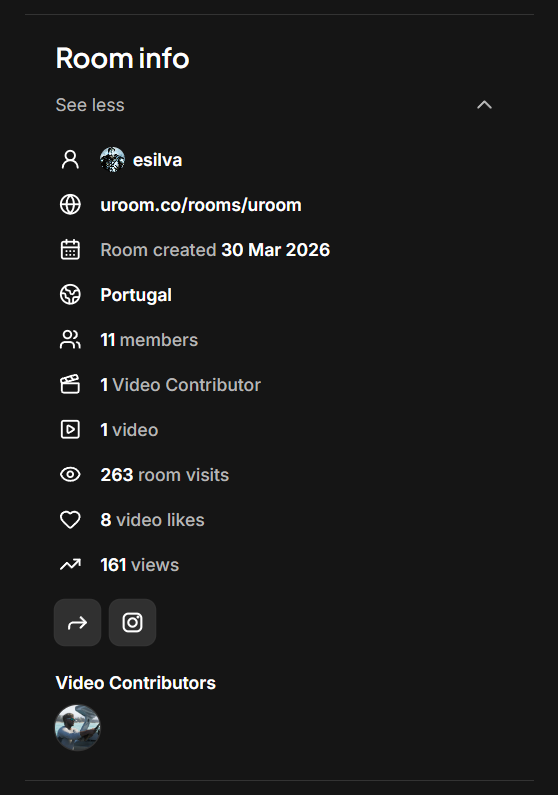
Added Room info card with room creation date, members count, room visits and total video views. Also added Display name color. Now users can set a color for their display name in Account settings.
Quick note: you can customize your room by using an image hosting service like Cloudinary (it's free to use) upload your images, copy the URL link and set your room avatar/logo and room banner with that link. You can do the same for your user image.

Live features are not completely out of scope. They may come back later if there is enough demand for them. But for now, I want to focus on making the upload video experience as strong as possible and keep URoom centered around video-based communities.
Some changes: I’ve removed the live video and audio features for now and shifted URoom’s focus fully toward upload videos. URoom idea originally started with live video and audio, and video uploads, but I felt the product became clearer when focused around one main idea: Create a room, upload videos, and build a community around your interests.
New feature: You can now upload videos to your room on URoom. Share updates, announcements, clips, and full videos with your community all in one place.
"Welcome to the Tech Hub! 🚀 This is our dedicated space for sharing ideas, latest tech news, and building our community. Feel free to start a conversation!"
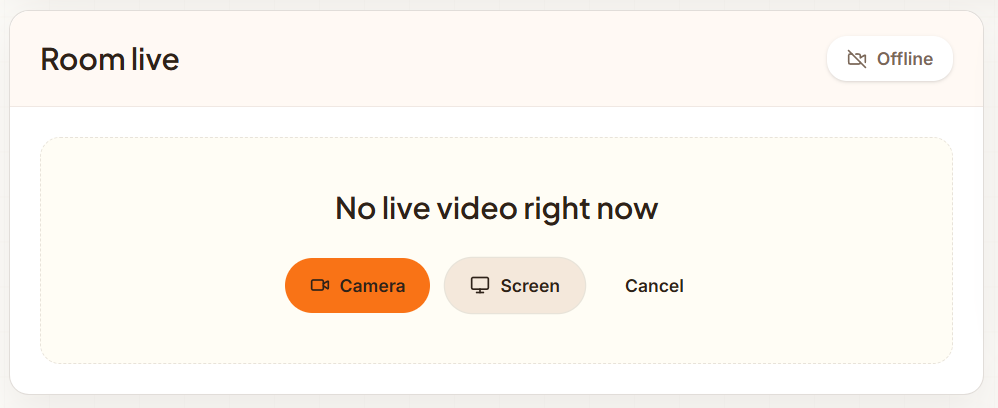
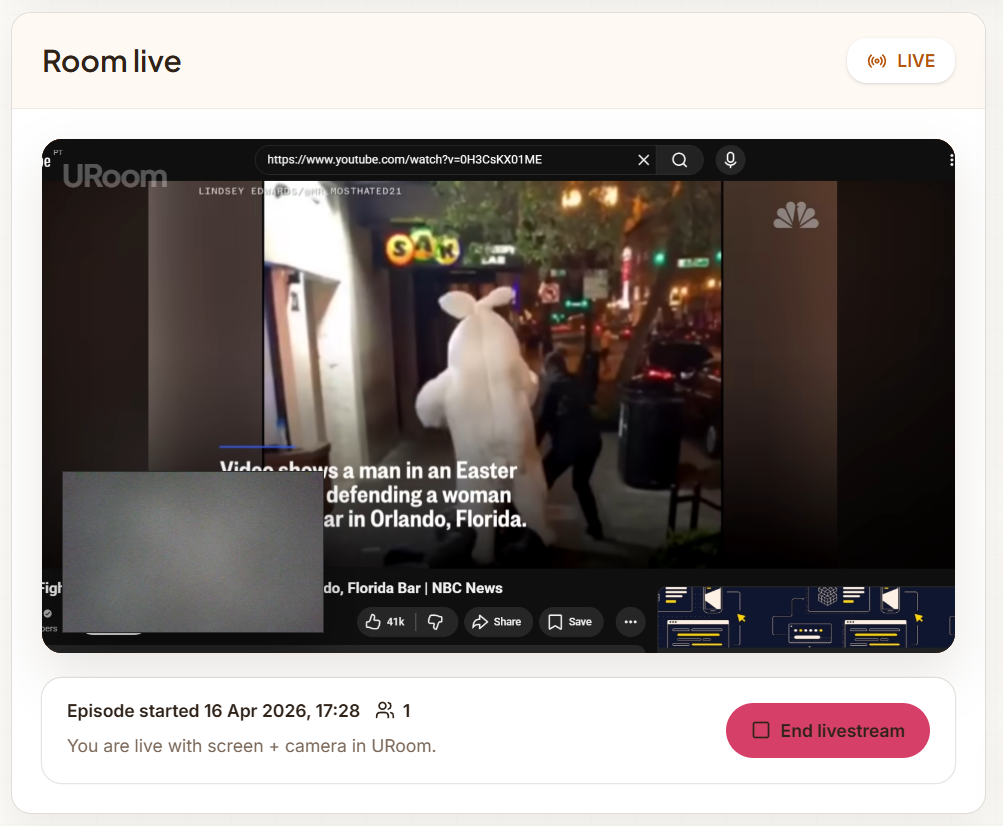
Starting a Live screen recording session is super simple, just click Screen and choose with camera or only screen.
👀🙌🙏
🚀
😀
Halo
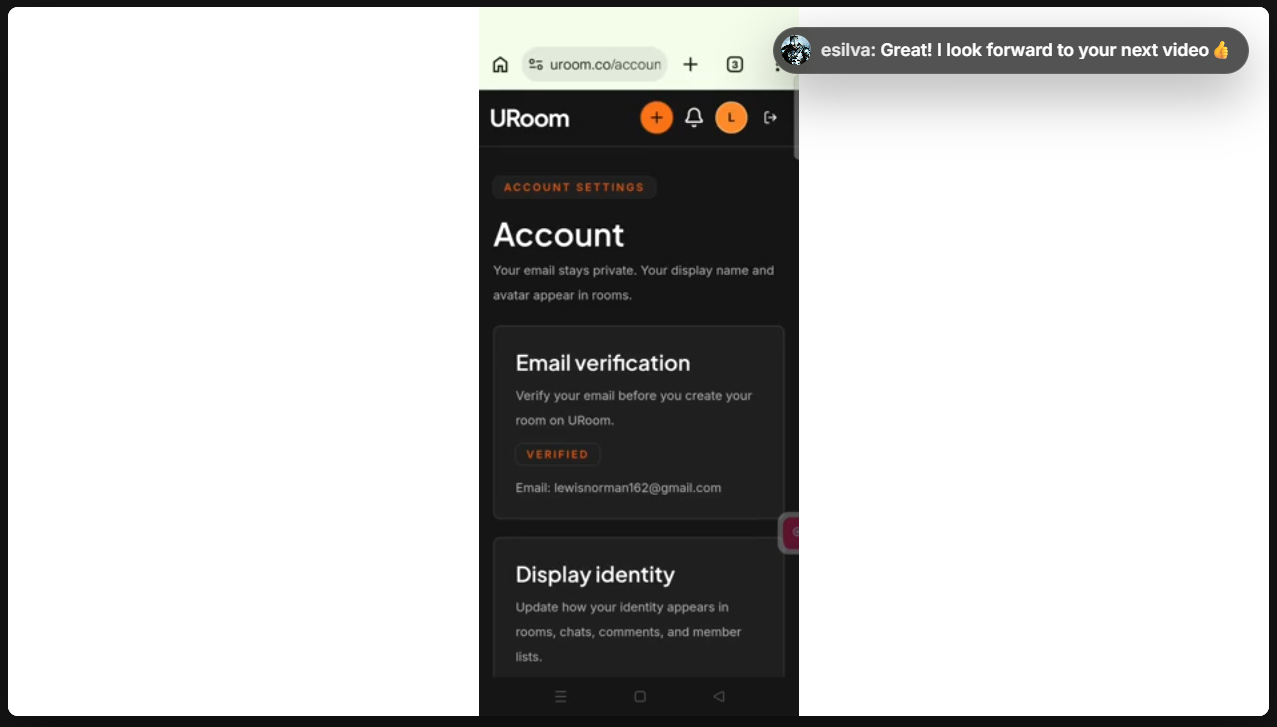
New feature: Live screen record with camera and mic. Users can now record their screens with or with no camera, and also use a mic for commentary.
Update: Talklo → URoom Everything stays the same, just a name that better reflects the idea of users creating and hosting rooms.
Important update: Episodes in public rooms are now open to everyone — no sign-in required to watch or listen.
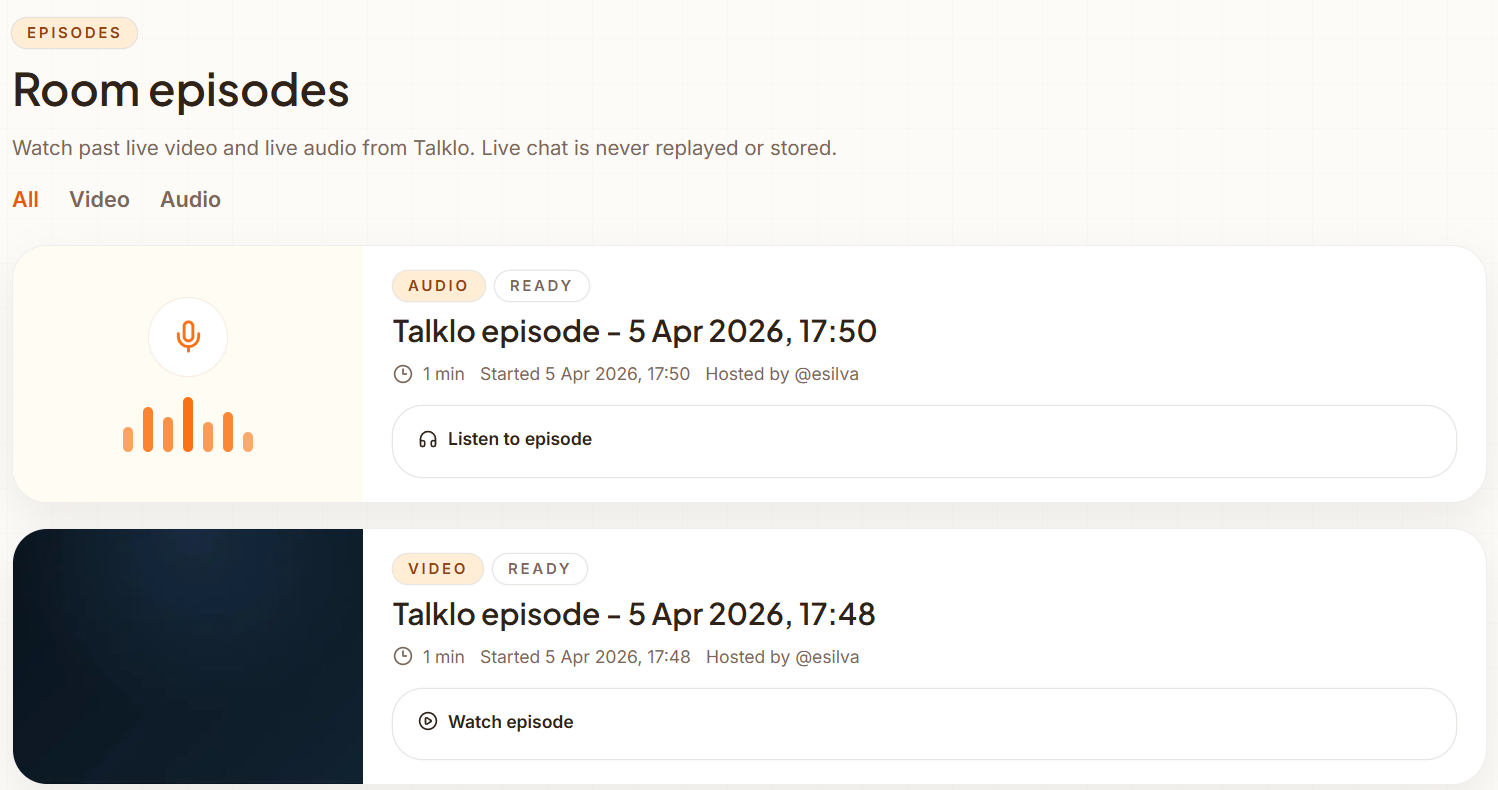
After a live session ends, it becomes an Episode. Both live video and live audio sessions are automatically saved and appear in the Episodes page so they can be watched or listened to later.
Here’s what a Live audio session looks like in a room. Hosts can invite up to 4 speakers to join the audio panel while the room listens live and participates through chat.
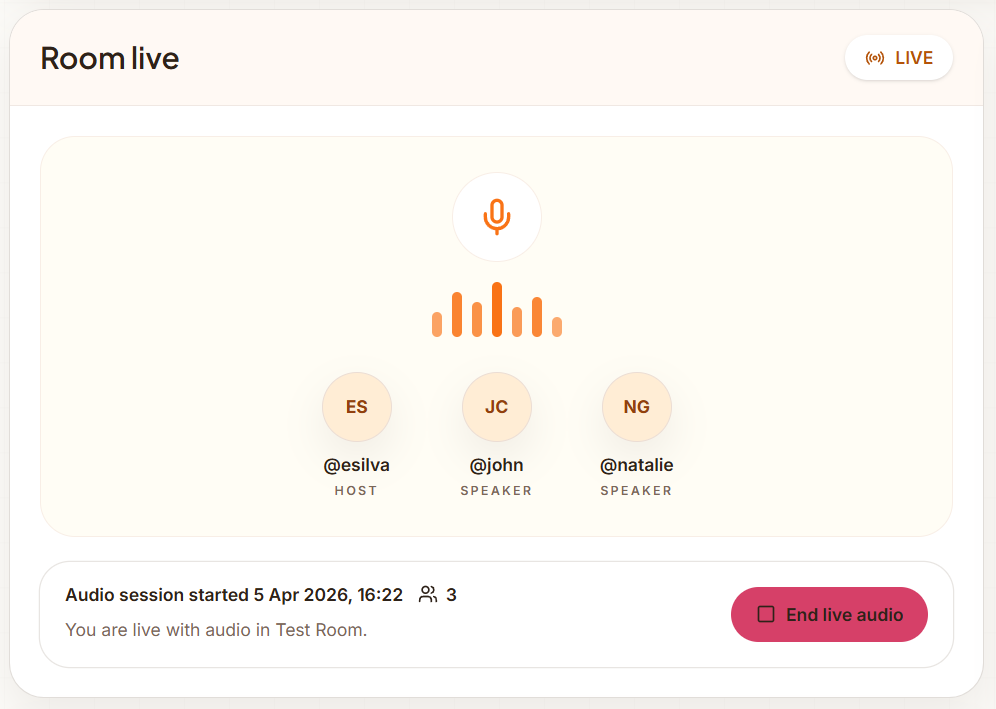
I’m really excited about this one. New feature: Live audio Hosts can start a live audio session and invite up to 4 speakers to join the audio panel while the room listens and participates through Live chat. When the session ends, the recording is automatically saved as an Episode that can be replayed later. Own your space.
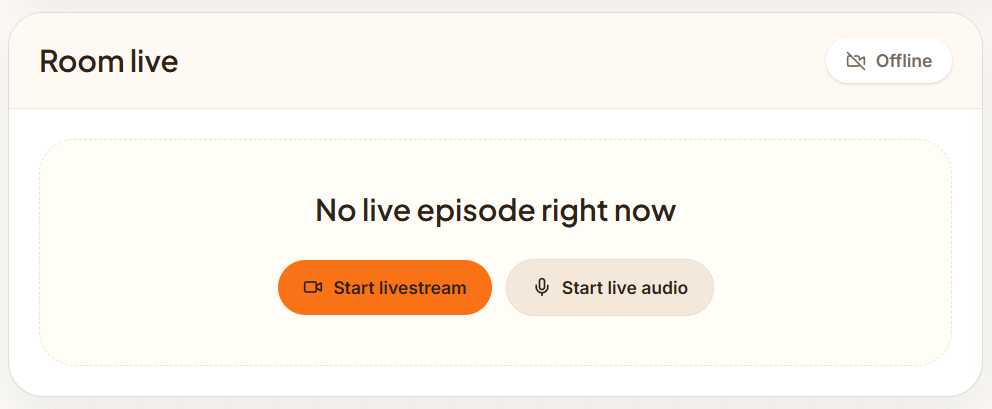
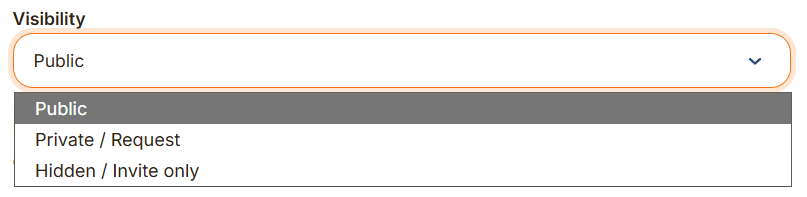
Rooms support three visibility types: Public — anyone can discover the room and watch livestreams. Only joined members can participate in chat. Private / Request — users must request access. Only joined members can watch livestreams and participate. Hidden / Invite — are not searchable and do not appear in Explorer. Only invited members can join, watch livestreams, and participate.